The Best AI Tools for Video Editing: Top Tools Compared
In 2026, the best ai for video editing is not just an app. It is a workflow. Video teams now mix professional editing software with generative AI tools and smart automation to move faster without losing quality.
At AI Butterfly, we build these workflows for real campaigns, from ads to branded content. If you want to see what that looks like in action, check our commercial video work or book a demo to walk through your next project.
One more reason this matters: early data shows AI can save about 14 hours per video project, depending on the type of content and your process.
Key Takeaways
The best aim for video editing depends on your goal: pro editing, content repurposing, or generating new footage.
Pro editors like Premiere Pro now include AI tools like Generative Extend and natural-language search.
Repurposing tools can turn one long video into many social clips, often with scoring and publishing options.
AI avatar tools are strong for training and business videos at scale.
Most teams win with a stack of 2 to 3 tools, plus a clear human review step.
The 2026 AI Video Editing Landscape
Most tools fit into three main buckets:
AI-assisted professional editors (NLEs) for control and polish
Content repurposing and automation for volume and speed
Generative AI world models for making new footage from prompts
Below is a Top 15 list that covers all three buckets, plus the extra tools many teams use for captions, cleanup, and upscaling.
Top 15 Best AI Tools for Video Editing in 2026
1. Adobe Premiere Pro
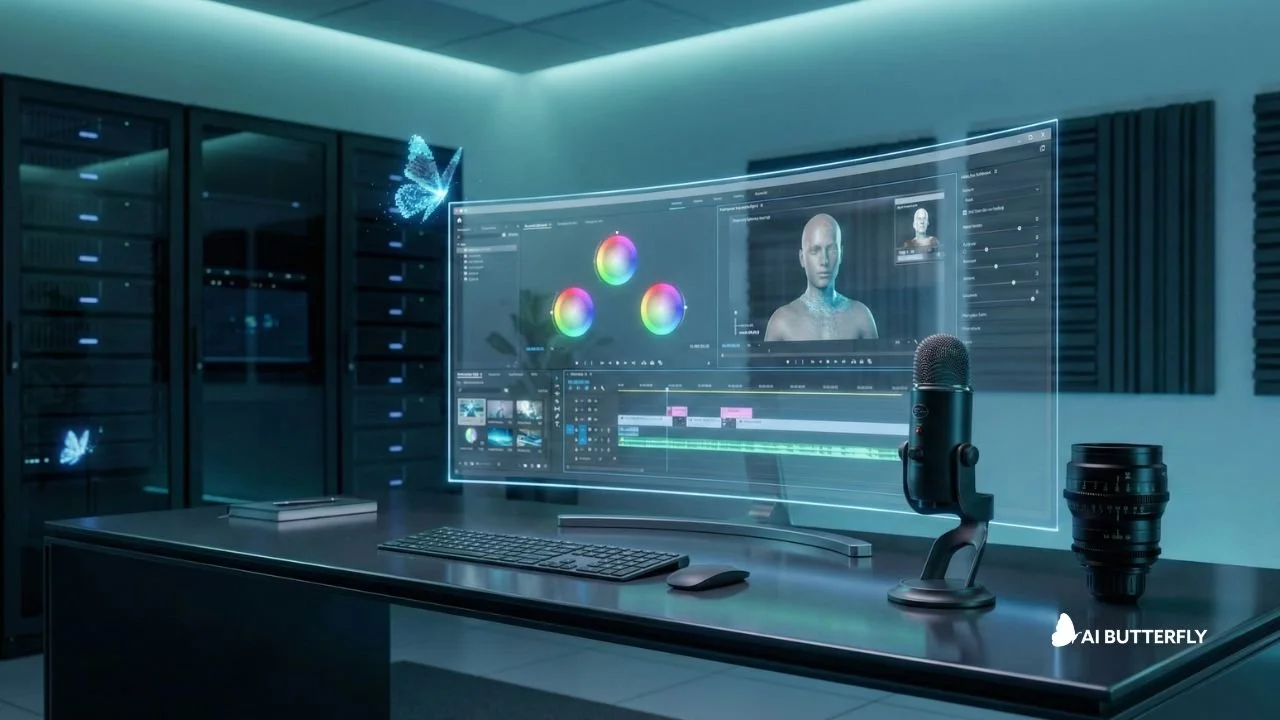
Premiere Pro can extend short clips, search footage with natural language, and create captions and translations fast. It fits ads, branded videos, and long edits where you still want manual choices on pacing and story. At AI Butterfly we often use it for client-ready finishing, then run a QC pass to confirm audio levels, legal text, and captions match the approved script and style guide. It is also a strong choice when you need shared projects and tight deadlines.
Best for pro teams who need full timeline control plus AI speed.
Pricing: Paid subscription with a 7-day free trial.
2. DaVinci Resolve 20
Resolve 20 blends cutting, color, audio, and effects in one place, with AI tools that speed up masking, reframing, and smart switching. Many agencies like it because Resolve Studio supports a one-time license and strong export options. AI Butterfly uses it when color and detail matter, like product shots or premium ads, then checks skin tones, logos, and brand colors before delivery and versioning for each platform. Great when you want consistent looks across many deliverables.
Best for studio-style editing, color grading, and clean finishing.
Pricing: Free version available. Studio is a one-time purchase ($295).
3. Final Cut Pro
Final Cut Pro uses machine learning for Magnetic Masking and Smart Conform, which helps isolate subjects and reframe videos for social sizes. It is great for quick turnarounds, YouTube edits, and campaign versions. If your workflow is Apple-based, it can feel smoother than heavier suites. AI Butterfly keeps projects clean with naming rules, proxy settings, and quick review exports so stakeholders can approve faster. Ideal when your team lives in the Apple ecosystem.
Best for Mac-first creators and teams who want fast performance.
Pricing: 30-day free trial via Apple Creator Studio. One-time purchase is $299.99.
4. Descript
Descript lets you edit video by editing text, so trimming mistakes, removing filler, and tightening lines is fast. It also supports captions and quick audio cleanup for routine fixes. Use it when you need many revisions or different versions of the same message. AI Butterfly often uses it early, then moves the cut into a pro editor for brand graphics, music mix, loudness targets, and final caption checks. It is especially handy for fast script changes late in the process.
Best for talking-head, podcast, and training style videos where the script matters.
Pricing: Free plan available. Paid plans start at $16/month.
5. CapCut
CapCut offers templates, quick effects, auto captions, and script-to-video tools that help you publish faster. It is useful when you need many variations, fast resizing, and simple edits without a steep learning curve. Treat it as a speed tool, not the last step. AI Butterfly uses it for draft cuts and platform versions, then confirms fonts, colors, safe zones, and claims match brand guidelines before posting. It shines when you need speed, trends, and quick captions in one place.
Best for short-form content and trend-driven social edits.
Pricing: Free version available. Pro is paid (pricing varies by region).
6. Wondershare Filmora
Filmora includes AI helpers for captions, effects, and translation workflows, so small teams can produce polished videos faster. It works well for internal videos, simple promos, and social content on a steady schedule. If you need heavy color work or advanced effects, you may outgrow it later. AI Butterfly recommends Filmora for teams starting out, paired with a simple brand kit, export presets, and a short QC checklist to keep quality consistent. Add a brand template and you can stay consistent.
Best for beginners who want strong features without complex pro tools.
Pricing: Free trial available. Paid plans include yearly options and a perpetual license.
7. CyberLink PowerDirector 365
PowerDirector includes screen recording, motion tracking, templates, and AI support for faster edits. It is a practical choice for marketers making demos, tutorials, and social videos every week. You get solid speed without the learning curve of a full studio pipeline. AI Butterfly suggests using brand presets, caption rules, and a final watch-through to confirm timing, spelling, and platform safe zones are correct before exporting versions. Good for teams that ship often.
Best for prosumers and small teams who want many tools in one place.
Pricing: Subscription, around $59.99/year on the official pricing page (sales vary).
8. VEED
VEED is strong for auto subtitles, quick trims, resizing, and simple brand kits, so you can create social versions without installing heavy software. It works well for marketing teams that need fast approvals and shareable links. Use it for quick edits and caption drafts, then export and do a final quality pass. AI Butterfly uses VEED for rapid turnarounds and review rounds, then locks the final cut in a pro editor when needed. Helpful for remote teams.
Best for browser-based editing when speed and teamwork matter.
Pricing: Free plan available. Paid plans start around $12/user/month (varies by plan).
9. Kapwing
Kapwing makes it easy to add subtitles, trim clips, create meme-style content, and resize for each platform. It fits teams that collaborate in the browser and need fast output. Use it to produce drafts and variations, especially for social and internal updates. AI Butterfly recommends a checklist for brand fonts, safe wording, and CTA clarity, plus one final play-through to catch caption errors and awkward cuts before publishing.
Best for quick online edits, captions, and repurposing without a full timeline editor.
Pricing: Free option available. Pro is $16/month billed annually.
10. Topaz Video AI
Topaz Video AI is known for upscaling, noise reduction, and motion smoothing, which helps when you have older clips, low-light shots, or soft recordings. It is not your main editor. Think of it as a prep step that can make your final cut look sharper when you cannot re-shoot. AI Butterfly uses it to rescue client footage, then balances results so faces and textures look natural, not waxy, and not over-sharpened. Use moderate settings and compare before and after on a few clips.
Best for improving footage quality before you edit.
Pricing: Paid subscription, starting around $25/month (plans can vary).
11. Vizard.ai
Vizard.ai can find strong moments, cut them into short clips, add captions and branding, and help you publish across platforms. It saves time when you need steady weekly volume from long recordings. Use it to generate options quickly, then review each clip for context so the message stays accurate. AI Butterfly uses it as a first pass, then refines hooks, pacing, and on-screen text to match brand voice and keep statements in the right context.
Best for content multiplication from long videos like webinars, interviews, and podcasts.
Pricing: Free plan available ($0). Paid plans are subscription based (pricing varies by credits).
12. OpusClip
OpusClip detects hook moments, creates short clips, and helps you choose winners with a scoring approach. It is useful for creators and agencies that repurpose podcasts, interviews, and talks. Use it to speed up the first cut, then refine pacing and captions so the hook matches the true point. AI Butterfly often tightens the first two seconds, adds brand styling, and exports multiple versions for A and B testing and regional edits.
Best for turning long videos into Shorts, Reels, and TikToks fast.
Pricing: Free trial available. The starter plan is $15/month.
13. Overlap AI
Overlap AI uses agent-style workflows to move content from long recordings to short social posts with less manual work. It can be a strong fit when you have lots of source content and a clear brand template. You still need human oversight for client approvals, compliance, and quality. AI Butterfly treats it like an auto line, then adds a human review gate to confirm context, tone, and CTA before anything goes live. Set clear rules so automation does not post the wrong clip.
Best for agencies that want automation across clipping, editing, and posting.
Pricing: Paid plans start around $20/month (no free plan listed).
14. Google Veo
Google Veo focuses on realism, lighting, and motion, and in some setups it can generate audio with the video. Use it to fill gaps when you do not have footage, or to test ideas before a shoot. Always review outputs for artifacts, accuracy, and rights. AI Butterfly uses Veo for quick cutaways and concept scenes, then blends them with real footage and brand text so the final edit feels consistent. Use it as supporting footage, not your whole story.
Best for generating realistic video shots from prompts when you need fast B-roll or concept visuals.
Pricing: Access included in Google AI plans with trial options (plan pricing varies).
15. Synthesia
Synthesia turns scripts into presenter-led videos with avatars and many language options, which helps teams scale without filming. Use it when speed and localization matter, then add brand visuals and a clear structure so viewers stay engaged. AI Butterfly can help write tighter scripts, build slide visuals, and package the final video for LMS, sales, or email. Plan on a quick human review for names, numbers, and pronunciation.
Best for business videos with AI presenters, like training, internal updates, and sales outreach.
Pricing: Free plan available. Starter is $29/month (discounts on annual billing).
Quick Comparison Table
| Category | Best for | Tools to start with |
|---|---|---|
| Pro editing | Polish, control, and client work | Premiere Pro, Resolve 20, Final Cut Pro |
| Repurposing | Volume and speed | Vizard, OpusClip, Overlap |
| Generative footage | B-roll, concepts, fast visuals | Veo (plus your main editor) |
| Captions and quick edits | Social, internal updates | Descript, VEED, Kapwing |
| Quality recovery | Old or low-res footage | Topaz Video AI |
| Business presenters | Training at scale | Synthesia |
How to Choose the Best AI for Video Editing in 2026
A simple buyer’s tip that works:
Choose “augment” if quality is the priority
Pick a pro editor first (Premiere, Resolve, or Final Cut), then add one helper tool like Topaz or Descript.
Choose “automate” if output volume is the priority
Start with a repurposing tool (Vizard or OpusClip), then add a lightweight editor (CapCut or VEED) for quick tweaks.
Always test with real footage
Free trials can look great on demo clips. Your own footage shows the truth.
How AI Butterfly Uses These Tools for Real Client Work
Most teams get stuck because tools are easy to buy and hard to run well. That is where we help.
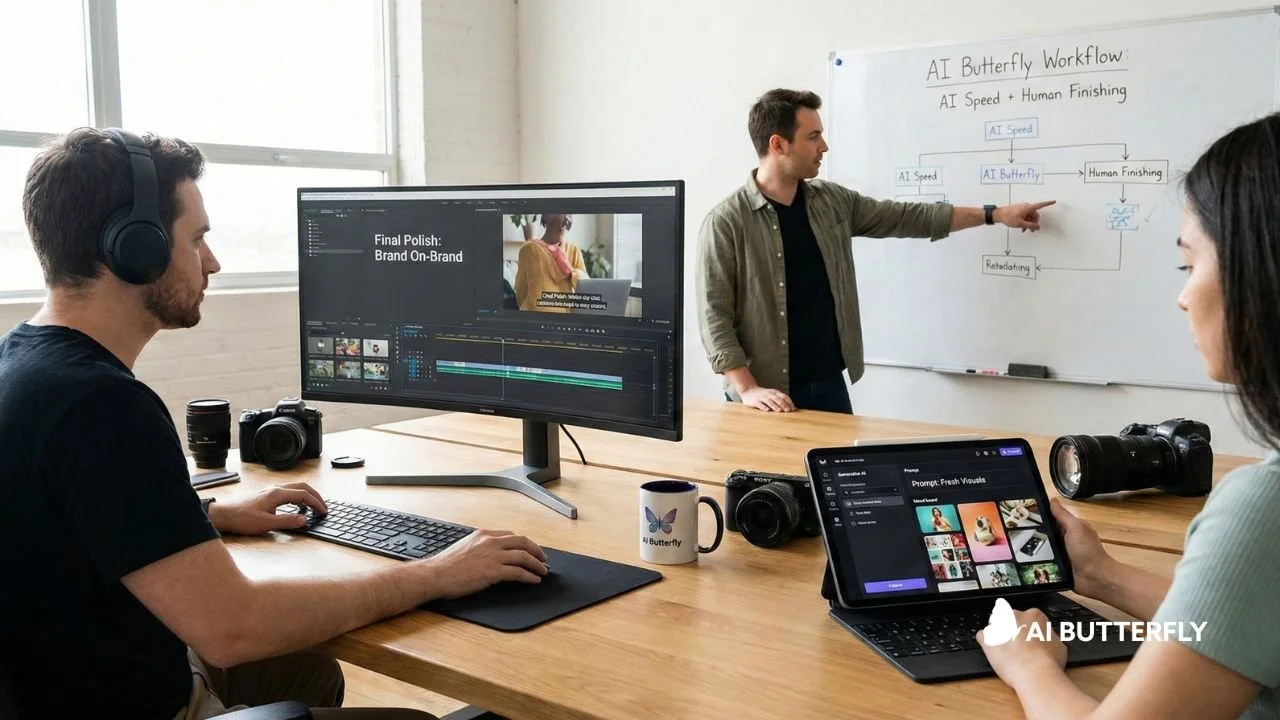
AI Butterfly’s approach is simple: we combine AI speed with human finishing to deliver stunning, conversion-focused AI marketing videos so your content looks intentional, clean, and on-brand.
Here is what we typically handle:
Choosing the right tool stack for your goal.
Prompting and concept builds when you need fresh visuals.
Editing, pacing, captions, and formatting for each platform.
Final polish so it does not “feel AI” unless you want that look.
If you want pricing that fits your needs, you can review options here.
Final Words
The best ai for video editing in 2026 is the tool stack that matches your output needs.
Need polished brand work? Start with a pro editor and add AI helpers.
Need more content each week? Add a repurposing platform.
Need new visuals fast? Test a world model for B-roll and concepts.
And if you want the fastest path from idea to finished video without managing 10 tools yourself, AI Butterfly can run the workflow for you.
At AI Butterfly, we blend expert prompting with 15+ years of video production and marketing experience. We know how to guide AI models to produce content that actually feels on-brand, on-message, and visually compelling. Then we take it further, adding sound design, editing, and post-production polish so the final result doesn’t just look like AI…it looks like you.