How to Create AI Videos for YouTube That Rank and Engage
If you want to create AI videos for YouTube that rank and engage, you need more than fast tools. You need a smart workflow.
In this walkthrough, we break down a simple, repeatable workflow: the same approach we use at AI Butterfly to help brands publish faster without sacrificing quality, whether creating quick tutorials or full-scale marketing videos built with AI.
Key Takeaways
Pick one clear topic and promise so YouTube knows who the video is for.
Win the first 15 seconds with a strong hook and fast value.
Use AI to speed up production, then apply a human polish pass.
Improve watch time with pacing, captions, and clean audio.
Keep improving after upload using CTR and retention data.
The Winning AI YouTube Video Creation Framework
Most AI videos fail for one reason: they look like a pile of clips. Our internal framework fixes that by focusing on three parts that drive rank and engagement.
Step 1: Choose a Topic You Can Win
Start with your primary keyword: create ai videos for youtube.
Then choose a tight angle based on what your viewer wants right now:
Create AI videos for YouTube for beginners.
Create AI videos for YouTube Shorts in one hour.
Create AI videos for YouTube that improve retention.
Now write your one-sentence promise: “By the end, you will know how to create an AI YouTube video that looks professional and holds attention.”
Pro Tip: Before you script, write your video title. If you cannot write a clear title in one line, the topic is too broad.
If you want a quick reference for what “polished and intentional” looks like, review our AI YouTube commercials and notice how fast the visuals support the message.
Step 2: Write a Retention-First Script
A ranking video is a retention video. If people leave early, YouTube learns the video did not satisfy them.
Use this simple structure:
Hook (0 to 15 seconds): result first
Problem: what they struggle with now
Steps: 3 to 5 simple steps
Proof: quick example or outcome
CTA: one next action
Pro Tip: “Show the After”
We use a rule called “Show the after in the first 10 seconds.”
Examples:
If the video is about AI YouTube thumbnails, show a before and after thumbnail.
If the video is about AI editing speed, show a timeline shrinking.
If the video is about ranking, show the exact analytics screen you will explain.
Viewers stay when they can see what they will get.
Step 3: Pick the Right AI Video Style for Your Brand
Choose a style that matches trust level and audience expectations:
Faceless tutorial: voiceover + b-roll + screen recording
Avatar presenter: AI host + supporting visuals
Animated explainer: icons + text + motion
Hybrid: AI visuals plus real clips
Pro Tip: “One World Rule”
AI videos look fake when every shot feels like it came from a different planet. Our fix is the “One World Rule.”
Pick 1 font style.
Pick 1 color mood.
Pick 1 motion style.
Pick 1 audio vibe.
That consistency is what makes content feel branded.
You can see how we push consistency through prompting and style tests in our AI video examples.
Step 4: Use a Clean AI Production Workflow
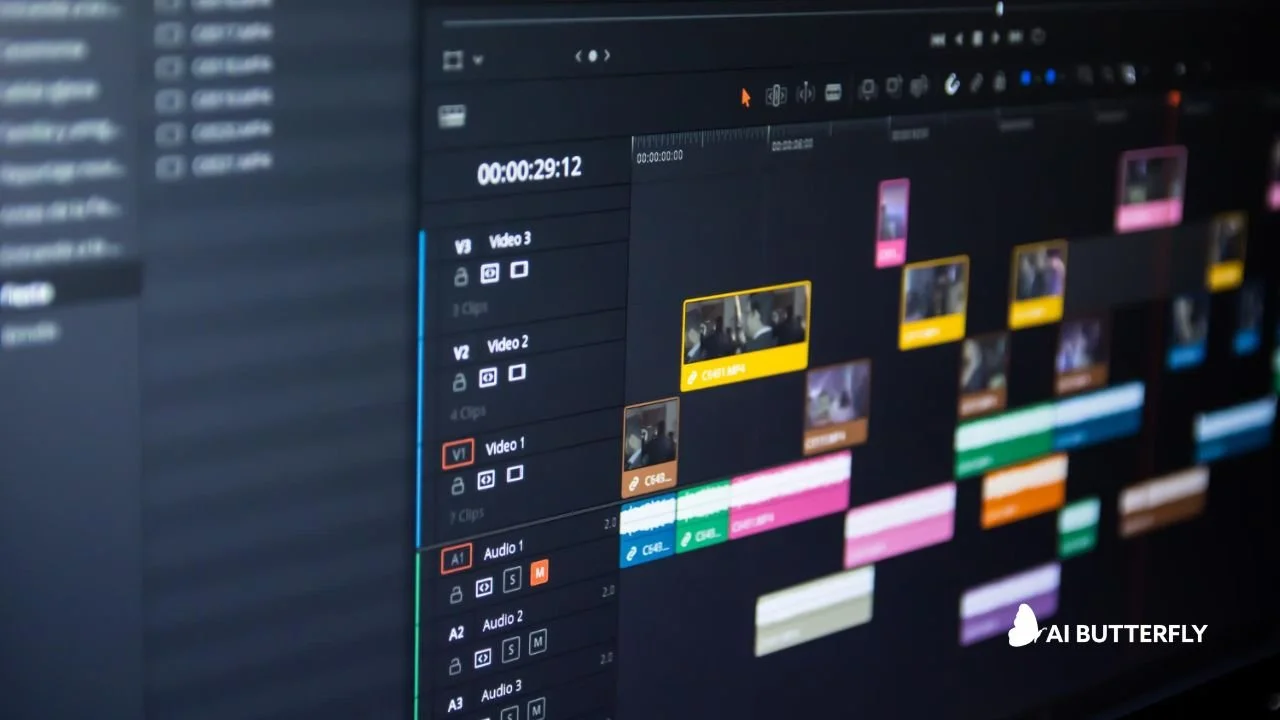
Here is a workflow that scales without chaos:
Outline and script.
Voiceover.
Visuals.
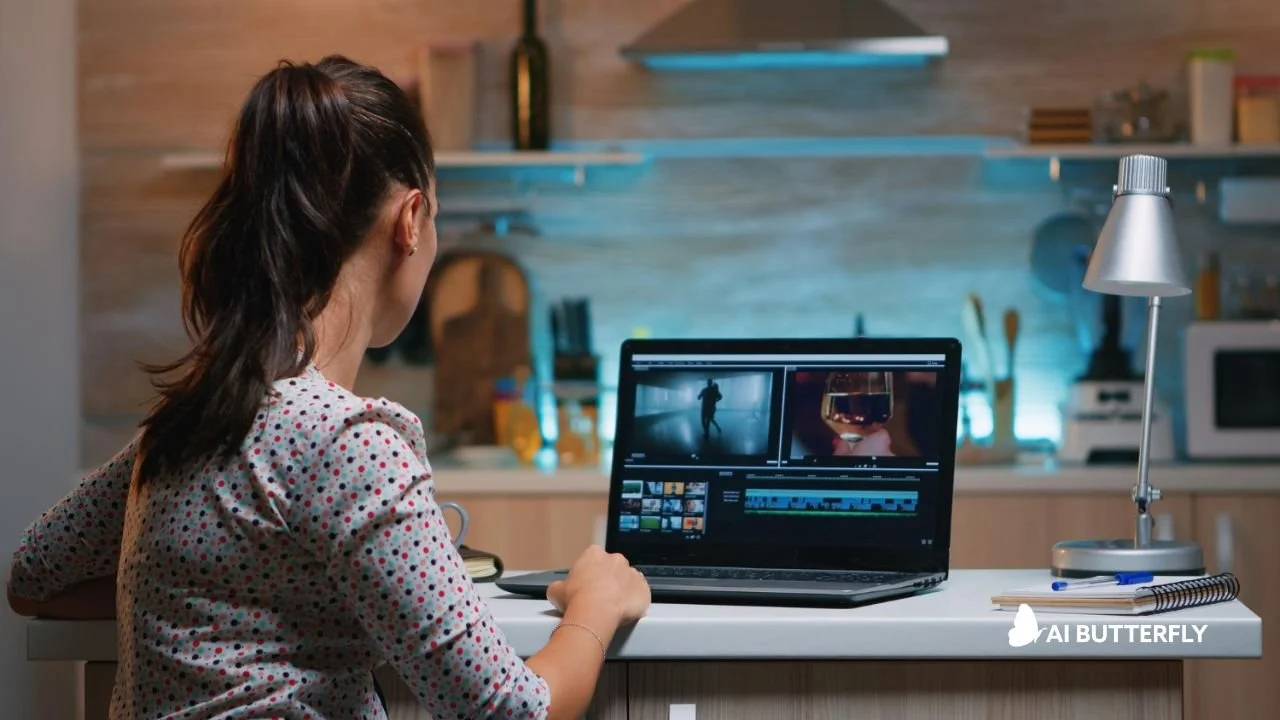
Edit.
Upload optimization.
Post-publish improvements.
Using a reliable AI video generator from text helps you move faster in steps 1 to 4. The biggest ranking wins usually come from steps 5 and 6.
If you are curious how we blend prompting, editing, sound, and design into one clean pipeline, learn more about our AI YouTube video workflow.
You do not need one tool that does everything. You need the right tool type for each step.
| Task | What Matters Most | What To Use |
|---|---|---|
| Script | Clear story and pacing | AI drafting + human edit |
| Voice | Natural tone and timing | AI voice or human voice |
| Visuals | Consistency and clarity | AI clips, stock, screen recording |
| Edit | Fast cuts and captions | Editor with caption tools |
| Upload | CTR and retention setup | YouTube Studio tools |
Before export, we run a fast checklist:
Remove pauses longer than 0.4 seconds.
Add one on-screen keyword every 6 to 10 seconds.
Add a visual change every 2 to 4 seconds.
Add captions.
Add a progress cue for longer videos.
This alone can lift retention because the video feels tighter and clearer.
Step 5: Make the Video Easier to Watch
If your goal is rank and engagement, make the viewing experience smooth.
a. Add Captions
Many people watch without sound. Captions help them stay.
A Facebook study referenced by 3PlayMedia found captions can boost view time by 12% on average, and A&W Canada reported a 25% increase in watch time on captioned videos.
b. Tighten Pacing
Change something every 2 to 4 seconds:
New visual.
On-screen keyword.
Zoom on the product.
Quick example.
c. Fix Your Audio
Bad audio kills retention. Clean voice, steady volume, low music. Simple wins.
Step 6: Optimize for Search and Suggested
This is where you help the system understand your video and help viewers choose it.
a. Title and Thumbnail
YouTube’s guidance for creators highlights watching CTR from key surfaces and improving titles and thumbnails when CTR is weak.
Strong title rules:
Put the keyword near the front
Make the promise clear
Keep it readable on mobile
b. Description and Chapters
In the first two lines:
Repeat the promise.
Repeat the keyword once.
Add what they will learn.
Add chapters so viewers can jump to what they need. This can reduce drop-off.
Pro Tip: “Swap, Don’t Scrap”
If CTR is weak, do not delete the video. Swap the title and thumbnail first.
We often test:
“How to” vs “Stop doing this”.
Result-led vs mistake-led.
Simple face thumbnail vs simple object thumbnail.
YouTube has also been expanding tools for testing titles and thumbnails, which supports smarter iteration.
How AI Butterfly Helps You Create AI Videos for YouTube
If you want to create AI videos for YouTube that look professional and feel on-brand, we can help you go from idea to finished upload without the messy tool juggling.
Book a demo to talk through your channel goals and video plan. We will map what to create next.
Want to get started? Explore your options here.
Frequently Asked Questions
What Exactly Is AI Butterfly?
AI Butterfly is a creative service that blends AI video tools with real marketing know-how. We craft smart prompts, refine AI-generated visuals, and then elevate everything with editing, sound, and design. The result? Custom content that feels fresh, fast, and on-brand.
Is This Just Another AI YouTube Video Tool?
Nope. AI Butterfly isn’t a tool, it’s a team. We use the best AI tools out there, but what sets us apart is the strategy, prompting expertise, and production polish we bring to every project. You get AI-powered content, professionally guided.
How Long Does an AI YouTube Video Project Take?
It depends on the scope, but most videos are turned around in days, not weeks. For quick projects, we can often deliver in 48–72 hours.
Can I Be Involved in the Process?
Absolutely. You can be hands-on with feedback and approvals, or totally hands-off and let us run with it. We adjust based on your style and schedule.
What If I Need Revisions?
Revisions are always included. We want you to be happy with the final product. Our process includes checkpoints for feedback so we can fine-tune along the way.
Final Words
To create AI videos for YouTube that rank and engage, pick a winnable topic, write for retention, keep visuals moving, add captions, and optimize titles and thumbnails. Then improve based on real data, not guesses.

At AI Butterfly, we blend expert prompting with 15+ years of video production and marketing experience. We know how to guide AI models to produce content that actually feels on-brand, on-message, and visually compelling. Then we take it further, adding sound design, editing, and post-production polish so the final result doesn’t just look like AI…it looks like you.