10 Video Content Creation Tips Every Marketer Should Know
If you are wondering how to create engaging videos - whether for organic social feeds or high-converting AI marketing videos - the goal is simple: earn the next second of attention, again and again, until the video ends.
Viewer retention is not luck. It is structure, pacing, clarity, and the right creative choices for the platform.
Key Takeaways
Hook viewers in the first 3 seconds with a clear promise and strong visual.
Use tight scripting and pattern interrupts to reduce drop-offs.
Improve retention with clean edits, strong audio, and captions.
Match pacing and structure to each platform.
Study retention data, then iterate and test new hooks.
Understand What “Engaging” Really Means
Engaging videos do not just look good. They keep people watching long enough to deliver the payoff: a laugh, a lesson, a product moment, or a strong feeling. Retention is one of the clearest signals across most platforms because it shows that the content matched the promise.
Before you script a single line, define these two things:
The Viewer’s Job To Be Done: What is the viewer trying to solve or feel right now?
The Video’s Single Promise: One clear outcome, stated simply.
When those two are aligned, your content starts strong and stays focused.
Steps to Create Engaging Videos That Keep Viewers Watching
Engaging video retention is built through a repeatable process: hook, structure, pacing, and optimization. Use the steps below as a checklist for any platform, whether you are creating short-form clips, long-form YouTube videos, or paid ads.
Step 1: Define One Clear Promise and One Viewer Outcome
Every engaging video makes a promise the viewer can understand instantly. Decide exactly what someone will get by watching: a result, a tip, a transformation, or a perspective shift. Keep it narrow so your message does not drift.
A quick way to lock this in is to complete this sentence:
“By the end of this video, you will know how to ______.”
Step 2: Write a Hook That Wins the First 3 Seconds
The first moments decide whether people stay or scroll, so skip the slow intro and deliver immediate value. Choose one hook style that fits your content:
Problem hook.
Curiosity hook.
Contrarian hook.
Outcome-first hook.
Then support it with a clear visual and a short line of on-screen text so viewers can understand the topic immediately.
Step 3: Build a Simple Retention Structure Before You Film
If you want to master how to create engaging videos, your structure matters as much as your idea. Use a simple flow that keeps momentum:
Hook.
Setup.
Steps or story beats.
Payoff.
Close.
This prevents rambling, reduces dead space, and keeps the viewer moving forward.
Step 4: Add Open Loops That You Actually Pay Off
Open loops keep attention because they create curiosity about what comes next. Tease something specific, then deliver it.
Examples:
“In 20 seconds, I will show you the exact template.”
“The last step is what most people skip.”
“Wait for the quick comparison at the end.”
Avoid vague teasers. The more specific the loop, the stronger the retention.
Step 5: Use Pattern Interrupts and Visual Variety With Purpose
Even a strong message can lose viewers if the visuals never change. Add small attention resets without making the edit feel chaotic:
Cut to b-roll to show what you mean.
Use simple motion graphics to highlight a point.
Switch framing or zoom slightly for emphasis.
Add quick screen recordings for steps or proof.
Use subtle sound cues to punctuate key moments.
Aim for clarity first. Every visual change should support understanding, not distract from it.
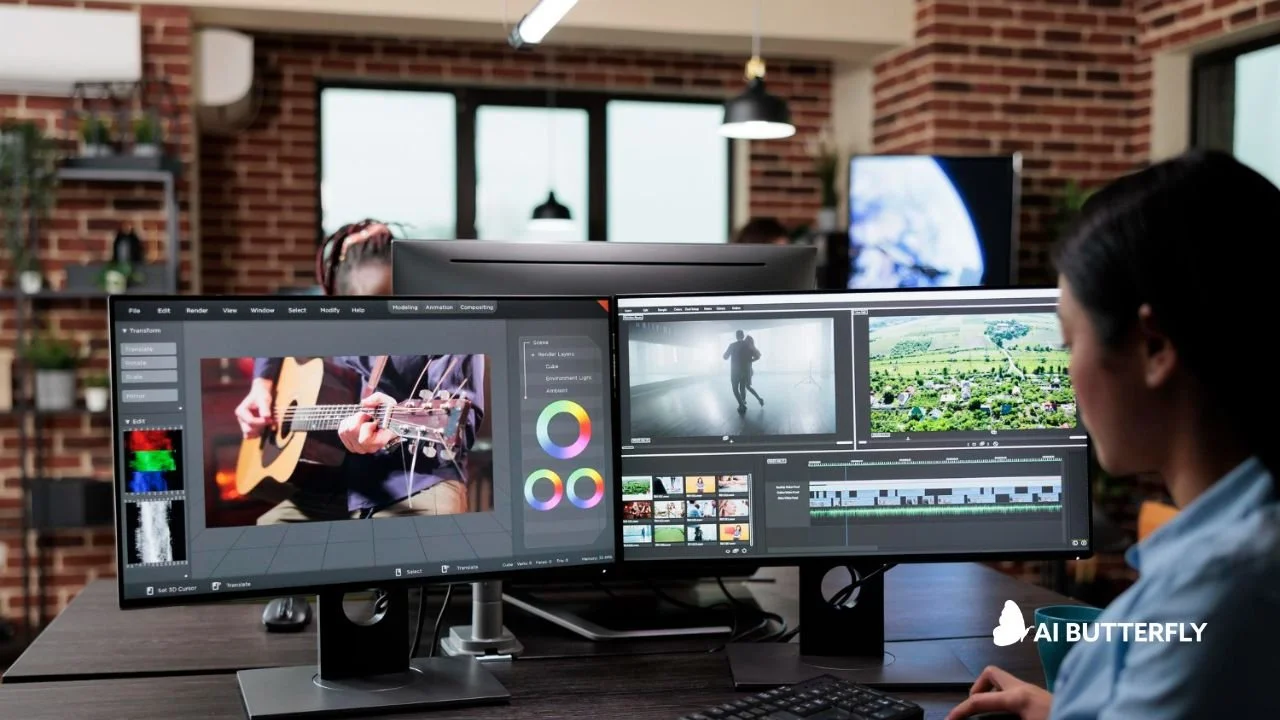
Step 6: Tighten Pacing in the Edit and Cut the Fluff
Pacing is where many videos lose retention. Remove anything that delays value:
Long greetings.
“Today I’m going to talk about…”
Repeated setup lines.
Tangents that do not serve the promise.
If a sentence does not add information, emotion, or clarity, cut it. That single habit can make your videos feel dramatically more engaging.
Step 7: Make Audio and Captions Nonnegotiable
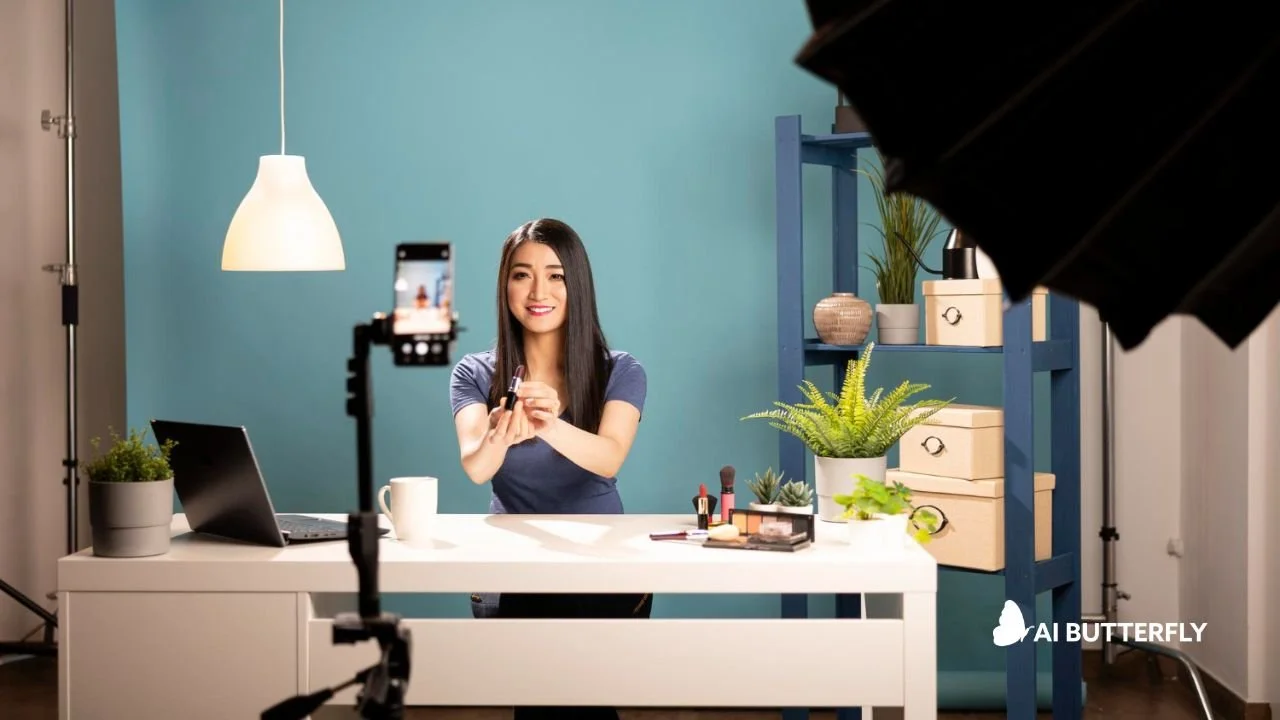
Smartphone recording setup emphasizing mobile-first video design and clean lighting.
Viewers will tolerate imperfect visuals more than unclear audio. Prioritize clean voice, balanced music, and light sound design.
Captions also boost engagement because many people watch with the sound off. Always proofread auto-captions, and format them so they are easy to read quickly.
Step 8: Match the Platform Without Losing Your Brand
What works on one platform can underperform on another, even if the content is strong.
Short-form: fast value, quick visuals, tight runtime.
YouTube long-form: clear segments, examples, and frequent attention resets.
Paid ads: show the product in action early, add proof, and include a clean CTA.
A useful approach is to create two to three hook variations for the same video and test them as separate posts or ad variants.
Step 9: Review Retention Data and Improve One Thing at a Time
Retention graphs show you where people lose interest and where they lean in. After every post:
Identify the first major drop-off.
Note what happened right before it.
Identify the biggest peak.
Create one improvement goal for your next video.
Small, consistent improvements compound quickly.
How AI Butterfly Helps You Create Engaging Videos Faster
While a standard AI video generator from text can easily draft clips, engaging videos require strategy, prompts that actually work, and production polish that protects your brand. AI Butterfly is not a tool. It is a team that blends AI video tools with real marketing know-how, then elevates everything with editing, sound, and design so the final output feels intentional and professional.
Here is what you get when you work with AI Butterfly:
A retention-focused concept and script that matches your audience.
Prompt engineering that avoids generic AI visuals and keeps style consistent.
Pro editing, subtitles, motion graphics, and sound design that keep pacing tight.
Faster turnaround for social, ads, explainers, and branded content.
Want the human-guided version of AI video that stays on brand? Book a demo today!
Frequently Asked Questions
How Long Should an Engaging Video Be?
It depends on the platform and the promise. Short-form often performs best when it delivers value quickly and stays tightly paced. Longer videos can work when they are structured with clear segments, examples, and frequent attention resets. The best length is the one that maintains strong retention through the payoff.
What Is the Best Hook for Viewer Retention?
The best hook is the clearest promise. Lead with a specific outcome, problem, or curiosity gap that matches what the viewer wants right now. Pair it with a strong visual so the viewer understands the point immediately.
What Are Pattern Interrupts, and Why Do They Work?
Pattern interrupts are intentional changes that reset attention, such as b-roll, camera angle shifts, quick graphics, or sound cues. They work because they prevent visual monotony and re-engage the viewer before they drift.
How Do Captions Make Videos More Engaging?
Captions reduce effort for the viewer. They help people follow along when audio is off, when pacing is fast, or when the environment is noisy. They also reinforce key points, which can improve comprehension and retention.
How Can AI Butterfly Help Me Create Engaging Videos?
AI Butterfly can take your goal and turn it into a retention-focused video, combining strategy, prompt engineering, and professional production polish. Instead of juggling multiple tools and inconsistent outputs, you get an on-brand video designed to keep viewers watching, with revisions included and fast turnaround.
Final Words
Now you have a practical playbook for how to create engaging videos: hook fast, structure your message, add purposeful variety, tighten pacing, and iterate using retention data. Do this consistently, and your audience will reward you with more watch time, more trust, and more action.

At AI Butterfly, we blend expert prompting with 15+ years of video production and marketing experience. We know how to guide AI models to produce content that actually feels on-brand, on-message, and visually compelling. Then we take it further, adding sound design, editing, and post-production polish so the final result doesn’t just look like AI…it looks like you.